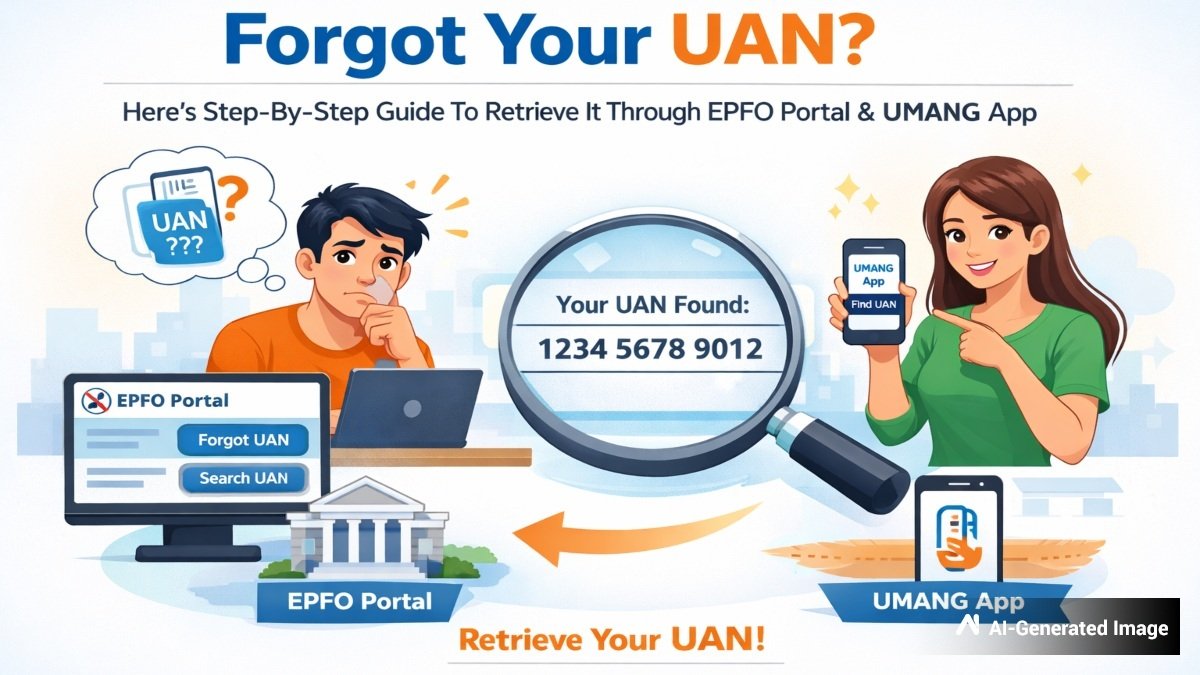
Forgot Your UAN? Here’s Step-By-Step Guide To Retrieve It Through EPFO Portal & UMANG App
Personal Finance
The Employees’ Provident Fund is one of the most reliable and safe long-term savings options for salaried employees in India. To give direct control over their funds, the Employees’ Provident Fund Organisation (EPFO) has assigned the Universal Account Number (UAN) to all members.
The 12-digit unique ID is a crucial number that helps employees transfer balances, make withdrawals, update KYC details, and check their passbook balance. Moreover, the UAN allows the EPFO to track employee records, even when individuals switch jobs efficiently. It ensures that all linked accounts of an employee are valid and genuine.
/img/2026/07/uan6-86671784706786.jpg "UAN")
But what if you somehow lost or forgot your UAN number?
The good news is that you can easily retrieve it through the EPFO portal or the UMANG app. In this article, we will learn how you can retrieve your forgotten UAN by following a few simple steps:
How To Retrieve A Forgotten UAN Through The EPFO Portal?
Step 1: Open the official EPFO website – https://www.epfindia.gov.in
Step 2: Click on ‘Know your UAN’ under the ‘Services’ tab for employees
Step 3: Fill in your registered mobile number
Step 4: Enter your basic details, such as name and date of birth
Step 5: Enter the CAPTCHA code and click on ‘Request OTP’
Step 6: Enter the OTP received on your registered mobile number
Step 7: Select your identity verification method, either PAN, Aadhaar, or Member ID
Step 8: Enter the identity verification document details carefully
Step 9: Once the details match EPFO records, your UAN will be displayed on the screen.
How To Retrieve A Forgotten UAN Through The UMANG App?
Step 1: Download the UMANG App from the Google Play Store or App Store
Step 2: Open the app and search for ‘EPFO’
Step 3: Navigate to Employee Centric Services and select ‘Know Your UAN’
Step 4: Fill in your registered mobile number and CAPTCHA code
Step 5: Enter the OTP received on your registered mobile number
Step 6: Choose Aadhaar card, PAN card or Member ID to search
Step 7: Enter your basic details, such as name and date of birth
Step 8: Click on ‘Show My UAN’ to view it on screen
Step 9: You will also receive your forgotten UAN on SMS
Tips To Keep Your UAN Accessible
To avoid the hassle of searching for your UAN in the future, you can consider the following tips:
•Save your UAN securely in your personal records or a trusted password manager
•Link your Aadhaar card, PAN card and bank details with your UAN to ensure seamless access to EPFO services
•Keep your mobile number active and updated with EPFO
•Log in periodically to the EPFO portal to check your details and keep your account details up-to-date