EPFO: Here’s how to retrieve your forgotten UAN using the official portal and Umang app — Stepwise guide
The Employees’ Provident Fund (EPF) is a secure, long term investment tool and retirement savings option for salaried individuals in India. You are eligible to open an EPF account if your basic pay and dearness allowance are up to ₹15,000, and you can add the voluntary provident fund (VPF) option if the basic pay and DA exceed ₹15,000 per month.
The Finance Ministry has ratified the EPFO’s suggestion of 8.25% interest rate for EPF and VPF contributions by salaried citizens this financial year (FY2025-26), PTI reported. The EPF interest credits were expected to be complete by 15 July this year. This marks the third consecutive term that EPF subscribers receive 8.25% interest rate on their provident fund savings with the retirement fund body.
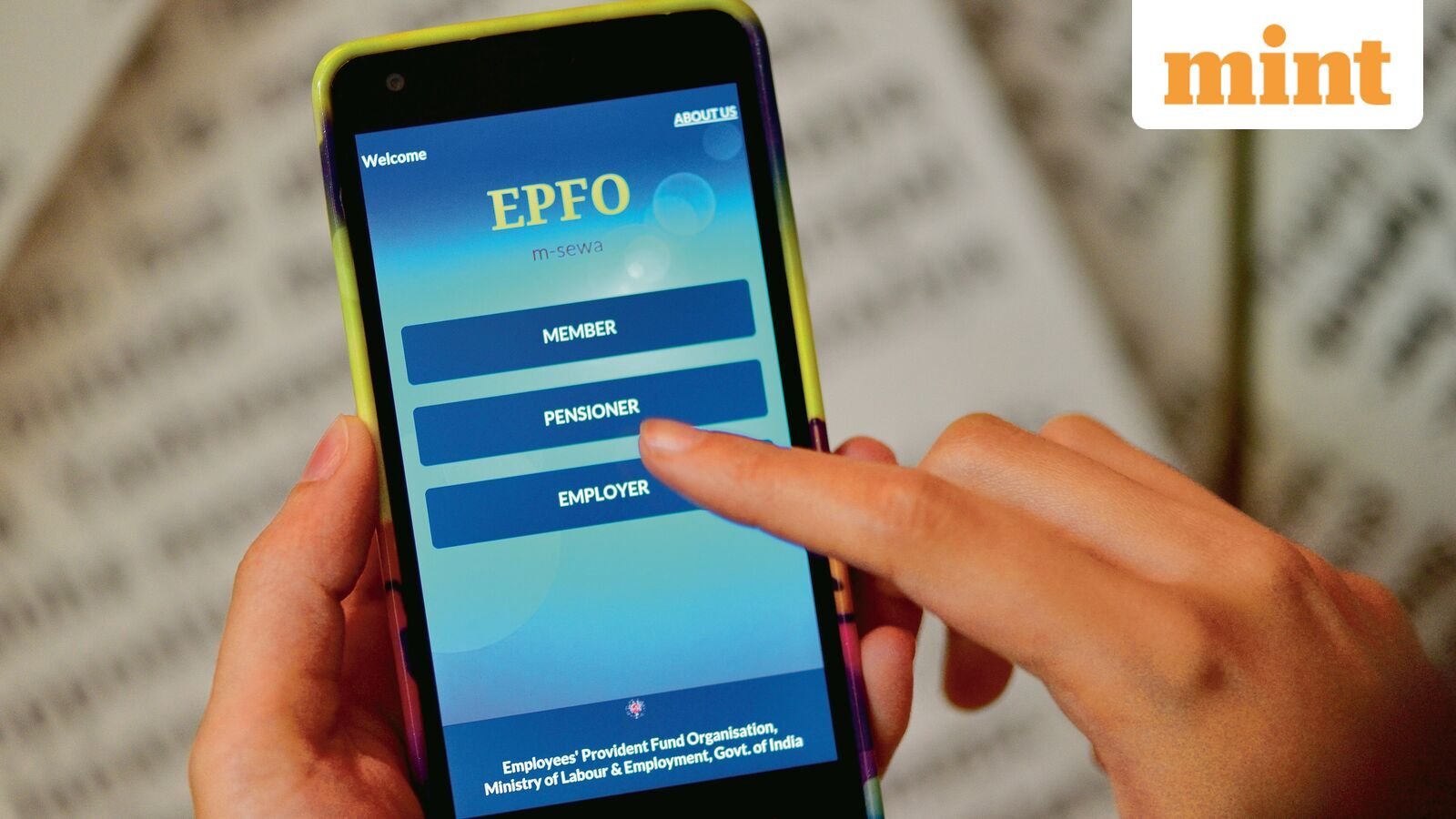
Today, we take a look at how EPF subscribers can retrieve their forgotten Universal Account Number (UAN) using the official portal or the government’s Umang mobile application.
Here’s how to retrieve forgotten UAN — Stepwise guide
You can retrieve your UAN using basic details on the portal, as follows:
Here’s how to use your old PF number
If you only have a PF number but don’t remember your UAN, here’s how you can generate or retrieve your UAN using the Umang app:
Here’s how you can generate or retrieve your UAN using the EPFO Portal
- Go to the UAN service page.
- Enter Aadhaar-linked mobile number and verify OTP
- Pick from Member ID, PAN card, or Aadhaar Card, whichever you have, enter the details and fill in the captcha.
- Submit and verify OTP
- Your UAN will be sent via SMS.
What does the error notice mean?
During the process, if the following error message pops-up: “ORA-20001–demographic details do not match”, this means that your Aadhaar and EPFO details are mismatched. This could be either name, spelling, date of birth, or gender.
In this scenario, you will have to first complete corrections before making any updates or changes to your EPF account.