Tax credit mismatch in ITR? Here’s how to check and fix it before your refund is delayed
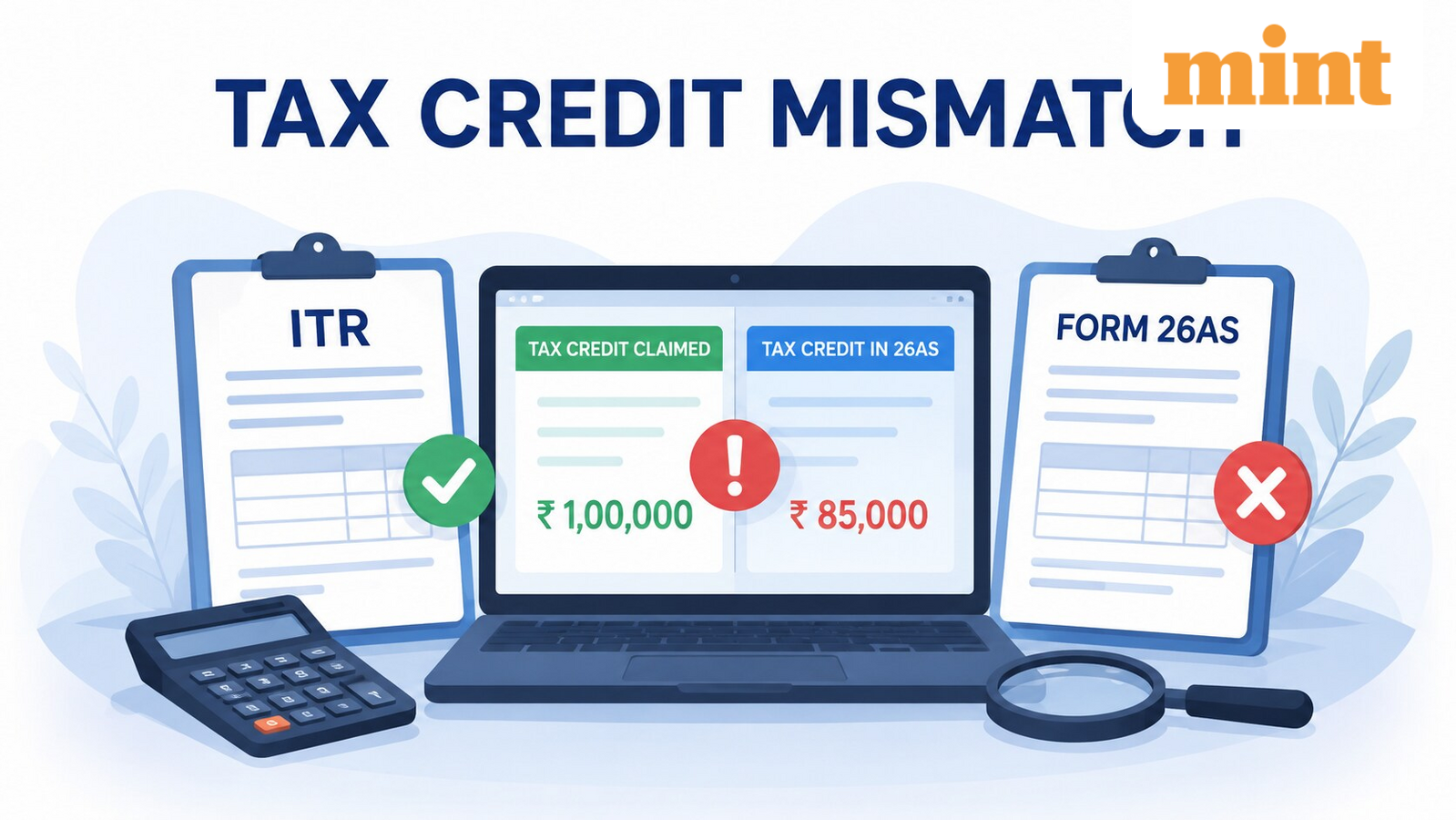
A tax credit mismatch can delay refunds, lead to tax notices, or even additional tax demands if left unresolved. The mismatch generally arises when the tax details reported in an ITR differ from the information reflected in the taxpayer’s Form 26AS or other tax records maintained by the department.
Here’s how you can check and rectify the tax credit mismatch in your filed ITR through the e-filing portal.
What is a tax credit mismatch?
A tax credit mismatch occurs when the amount of tax claimed on an income tax return differs from the tax credit available in the Income Tax Department’s records.
The mismatch can involve multiple types of tax payments, including TDS, TCS, advance tax, self-assessment tax, and regular assessment tax.
Why does it happen?
- Incorrect TDS reported by the employer or deductor.
- Errors in challan details while paying advance or self-assessment tax.
- Incorrect PAN quoted during tax payment.
- Mistakes while entering tax credit details in the ITR.
- Delay by the deductor in filing or revising TDS returns.
Since the Income Tax Department generally grants tax credit only to the extent reflected in Form 26AS, taxpayers should ensure that the figures in their return match the official records before filing.
What is Form 26AS, and why is it important?
Form 26AS serves as a consolidated tax statement for a financial year. It provides a comprehensive view of taxes linked to a taxpayer’s PAN and helps verify whether all tax payments and deductions have been correctly recorded.
Apart from TDS and TCS details, Form 26AS also includes:
- Advance tax, self-assessment tax and regular assessment tax paid.
- Tax refunds received during the financial year.
- Specified Financial Transactions (SFT), where applicable.
- Details of TDS on the sale of immovable property.
- Information on tax demands, refunds and proceedings.
- TDS defaults, if any.
How to check for a tax credit mismatch in a filed ITR?
The e-filing portal offers a “Tax Credit Mismatch” service that allows registered users to compare the tax details reported in their ITR with those available in Form 26AS.
- Log in to the Income Tax e-filing portal.
- Go to Services and select Tax Credit Mismatch.
- Choose the relevant Assessment Year.
- Submit the request.
The portal compares the information in your filed return with the tax records maintained by the Income Tax Department. If everything matches, the system confirms that the tax credit claimed is fully matched with Form 26AS.
If discrepancies exist, the portal highlights the mismatched entries. If the number of mismatches exceeds 10, taxpayers can download the details in PDF or Excel format for review.
How can taxpayers rectify a tax credit mismatch?
If the mismatch relates to TDS, the taxpayer can contact the employer or the deductor responsible for deducting tax. The deductor may need to file a revised TDS return to ensure the correct amount is reflected in Form 26AS.
If the return has not yet been processed under Section 143(1), a revised return can be filed with the corrected details. If an intimation under Section 143(1) has already been issued, taxpayers can submit a rectification request through the e-filing portal.
What are the steps to file a rectification request?
Taxpayers who have received an intimation and want to correct tax credit details need to follow these steps:
- Log in to the e-filing portal.
- Navigate to Services and select Rectification.
- Click “New Request.”
- Select Income Tax and choose the relevant Assessment Year.
- Select Tax Credit Mismatch Correction as the request type.
- Review the pre-filled schedules and update the relevant TDS, TCS, advance tax, or self-assessment tax details.
- Save the changes and continue.
- Complete the e-verification process to submit the request.
- Once submitted successfully, the taxpayer receives an acknowledgement at the registered email address and mobile number.
Disclaimer: This is only for informational and educational purposes. Please consult a qualified tax expert for the latest tax laws and regulations.